

Reliable Shipping Label Printer: What Actually Works in Daily Use
If you ship packages regularly, a label printer quickly goes from “nice to have” to something you rely on every day. The tricky part is that most models look similar on paper. Same 4x6 format, same “no ink needed” claim, same compatibility list. But once you start using one, differences show up fast—especially in print consistency, connection stability, and setup experience.
I focused on what actually matters in real use: printers that don’t randomly disconnect, don’t misalign labels, and don’t turn a simple shipping task into troubleshooting. Below are two reliable options that are currently available and widely used for shipping labels.
Best Overall: MUNBYN 130B Bluetooth Shipping Label Printer
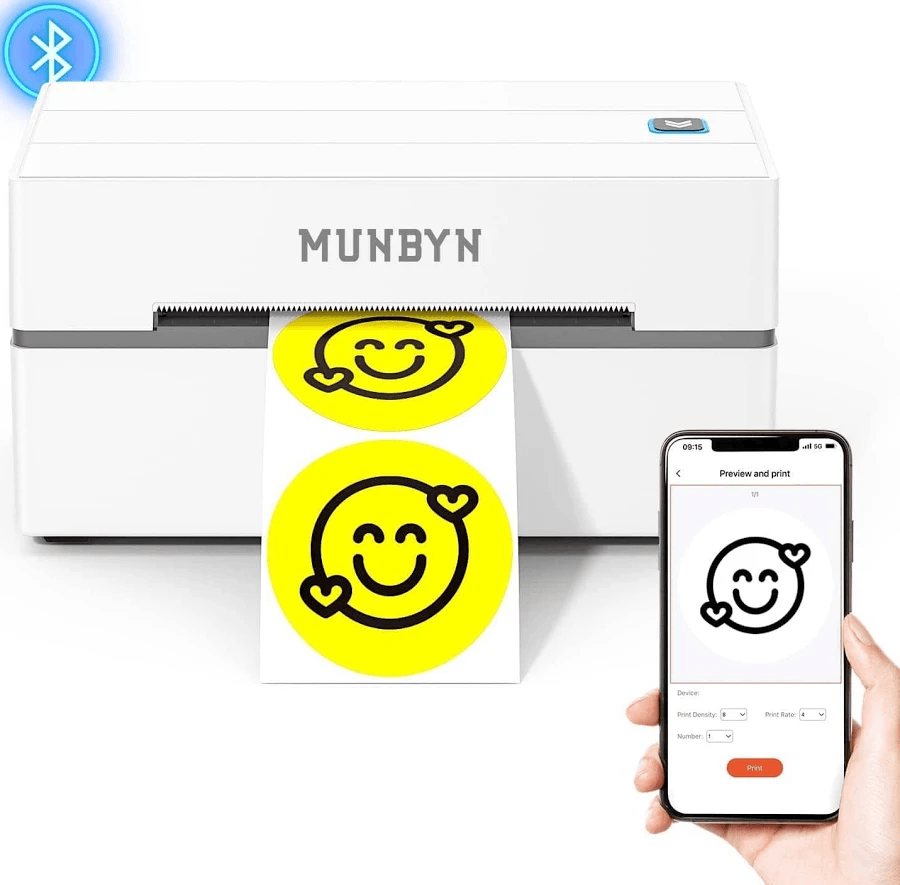
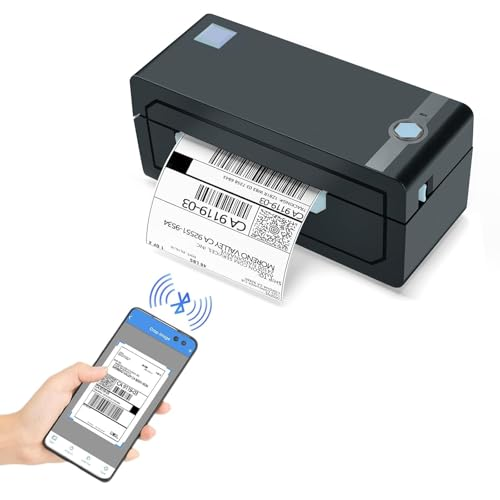
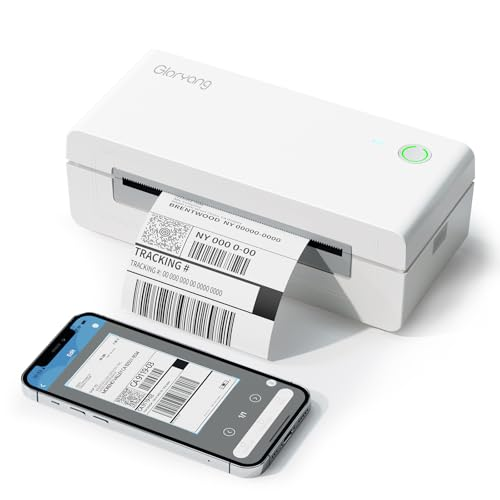
If you’re shipping packages regularly—even just a few a day—this is the kind of printer that makes life easier pretty quickly. The MUNBYN 130B uses thermal printing, so there’s no ink involved. That alone removes a lot of the usual hassle. You load the labels, connect it, and start printing. In practice, it’s fast enough that you don’t really think about it once it’s running. Bluetooth is the main reason people pick this model. You can print directly from a phone or tablet, which is useful if your workflow isn’t tied to a desktop. That said, it still supports USB if you prefer a wired setup. In day-to-day use, what stands out is consistency. Labels come out aligned, barcodes are clear, and you’re not constantly recalibrating.
Who this fits: Anyone shipping regularly—small business owners, side hustlers, or even just frequent sellers.
Best Budget Reliable Option: HP KE100 Thermal Shipping Label Printer
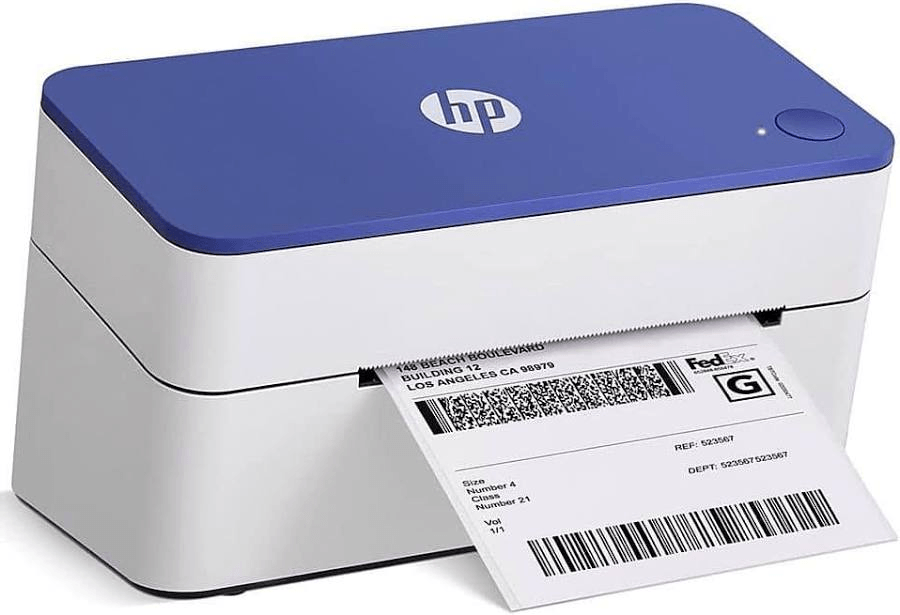
Not everyone needs Bluetooth, apps, or extra features. Sometimes you just want a printer that connects with a cable and works. That’s basically what the HP KE100 offers. It’s a more straightforward machine: USB connection, standard 4x6 labels, and a fairly simple setup. No bells and whistles, but also fewer things that can go wrong. Print quality is consistent, which is really the whole point. As long as your labels are formatted correctly, it does what you expect without much intervention. You’re tied to a computer. If you prefer printing from your phone, this won’t be ideal.
Who this fits: People with lighter shipping needs or anyone who prefers a no-frills setup.
What Makes a Shipping Label Printer “Reliable”?
After digging through specs, reviews, and user experiences, reliability usually comes down to a few practical things:
1. Consistent label alignment
If labels print slightly off, scanners may fail. That leads to delays or reprints.
2. Stable connection
Bluetooth sounds great—until it disconnects mid-batch. A reliable printer maintains a steady link.
3. No ink system
Thermal printers eliminate ink entirely, which removes one of the biggest failure points .
4. Platform compatibility
A good printer works with USPS, UPS, FedEx, and marketplaces like Amazon or eBay without extra work.
Real-World Frustrations to Avoid
From user discussions, a few recurring issues show up with lower-quality printers: It won't print standard 4x6 labels correctly… Misalignment and outdated drivers are common complaints. That’s why paying a bit more for a stable model often saves time in the long run.
Final Take
A reliable shipping label printer isn’t about features—it’s about avoiding problems.
If you’re printing labels every day, the MUNBYN 130B is the safer long-term choice. It handles volume better and gives you flexibility with mobile printing. If your needs are lighter and you just want something that works without extra setup, the HP KE100 is a practical alternative.
Most people don’t think much about their label printer—until it stops working properly. Choosing a stable model from the start is what keeps shipping simple.