

The Digital Calendar Is Becoming the New Family Command Center

A wall calendar used to answer one simple question: What day is it? Modern digital calendars have a much bigger job. They can bring together appointments, chores, meal plans, reminders, shopping lists, photos, and even entertainment on one screen. The real difference between today's models is not simply screen size, but how much of everyday life they can bring into one place.
The Cozyla Calendar Plus 2, RIXZSIW 24 Inch Touchscreen Digital Calendar, and Kinstone Electronic Calendar offer three different interpretations of that idea.
When the Whole Family Needs One Shared View
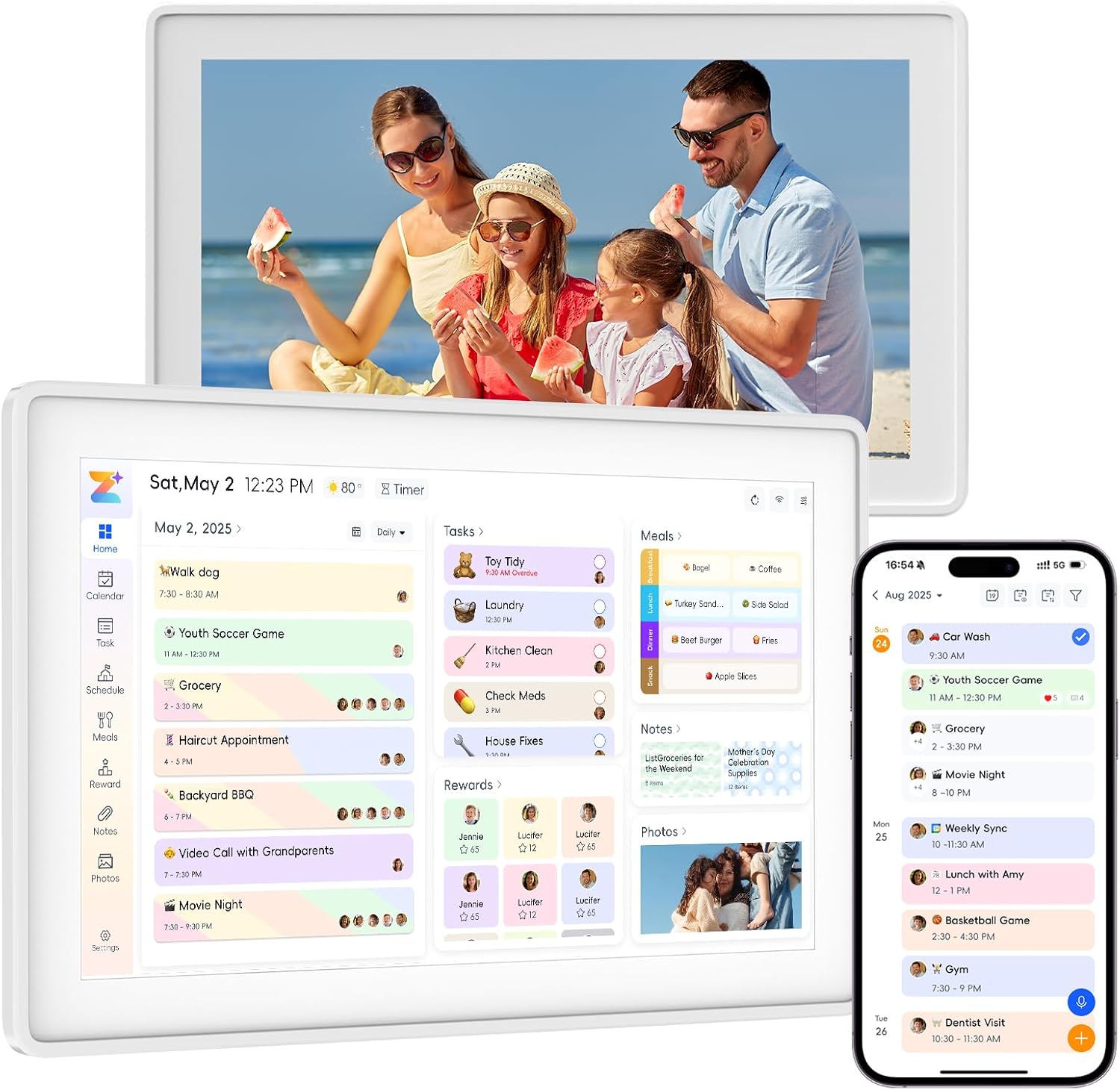
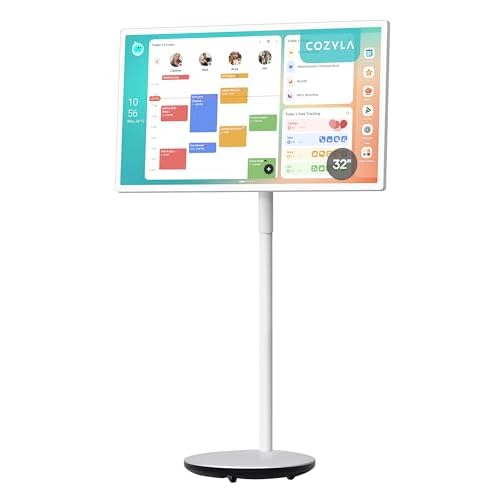
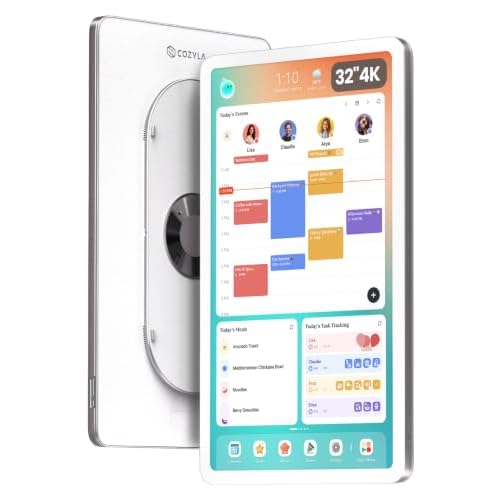
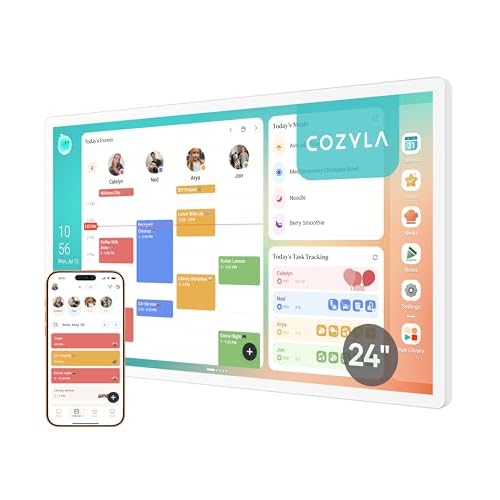
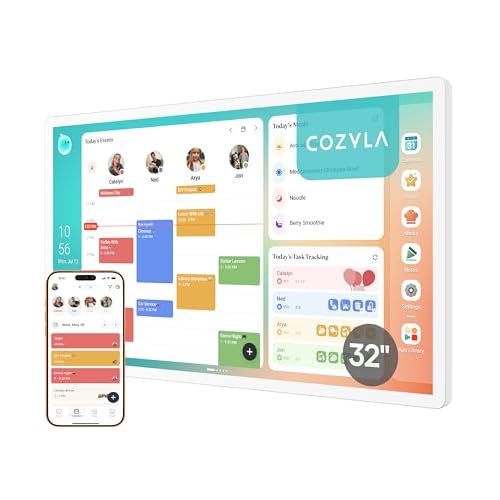
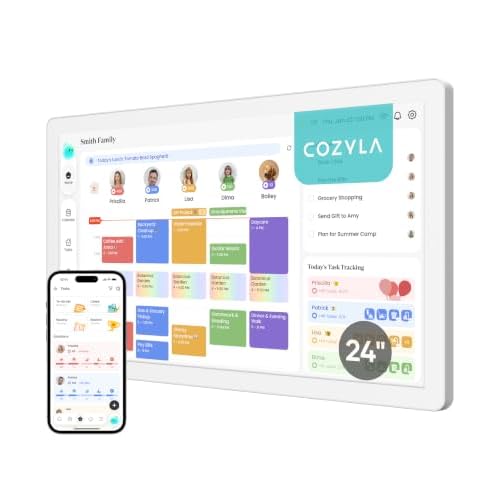
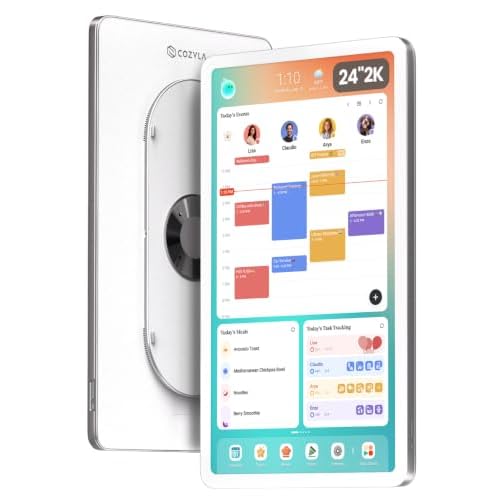
The Cozyla Calendar Plus 2 is built less like a traditional calendar and more like a family command center. Its 24-inch touchscreen can automatically sync calendars from Google, Apple, Outlook, and Yahoo, while color-coded family profiles make it easier to see everyone's commitments at a glance. It also adds chores, routines, rewards, meal planning, grocery lists, customizable dashboards, and access to Android apps.
The inclusion of an AI voice agent makes the experience even more interactive, allowing users to add or modify events, chores, and to-dos without typing. With a rotating wall mount and screensaver functionality, it can also blend into a kitchen or shared living area rather than looking like a piece of office equipment.
For a busy household juggling multiple schedules, Cozyla is essentially designed to replace several separate planning tools.

When a Calendar Also Needs to Be a Workspace
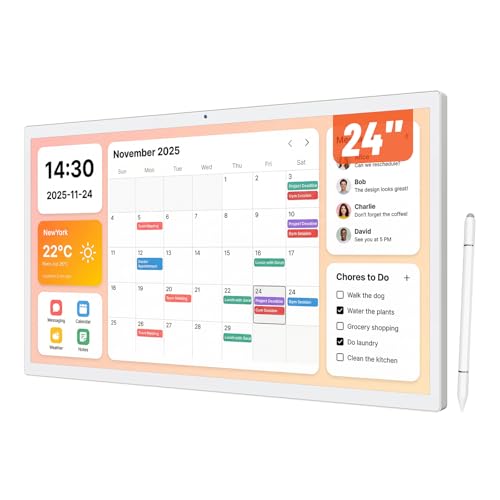
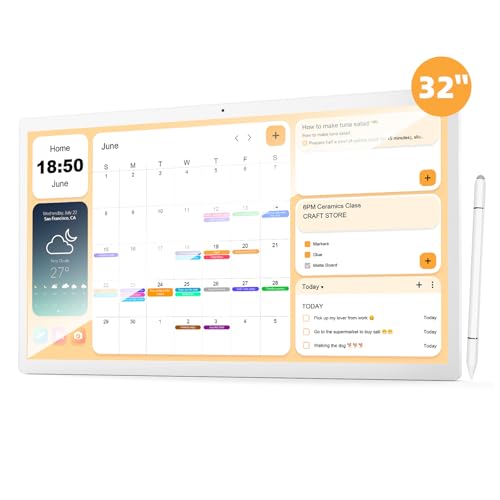
The RIXZSIW 24 Inch Touchscreen Digital Calendar takes a more open-ended approach. Its 24-inch Full HD touchscreen runs Android 13 with 8GB of RAM and 128GB of storage, giving it the flexibility of a large Android display rather than a calendar with a fixed interface. It supports Google Play apps, multiple Google Calendar accounts, Wi-Fi, Bluetooth, Ethernet, HDMI input, and USB connectivity.
That makes it particularly interesting for home offices and shared workspaces. Beyond schedules and family tasks, it can function as an office assistant, support video calls through its front camera, and run additional productivity or entertainment apps.
The advantage is flexibility; the downside is that users who want a simple, dedicated family planner may find the broader Android environment more than they actually need.
When Simplicity Matters More Than Expansion
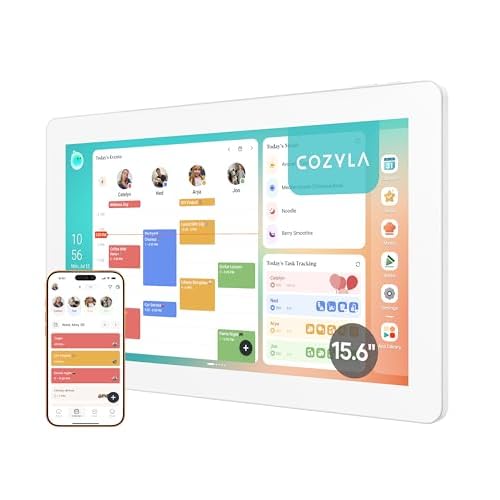
The Kinstone Electronic Calendar takes a more focused family-oriented approach. Its 15.6-inch 1920×1080 touchscreen supports Google Calendar, iCloud, Outlook, Cozi, and Yahoo synchronization, while built-in meal planning, grocery lists, chores, rewards, weather, and photo-frame functions cover the basics of household organization.
It also supports voice-based schedule input and can be mounted on a wall or placed on a desk. Importantly, Kinstone is designed without a subscription requirement, making the ongoing ownership experience relatively straightforward.

Three Screens, Three Different Ideas of Organization
The Cozyla Calendar Plus 2 is the most comprehensive family hub, combining scheduling with chores, meals, apps, and AI assistance. RIXZSIW is better suited to users who want a large Android touchscreen that can move between family organization and work. Kinstone keeps the experience more focused, offering the essential family-planning tools in a smaller 15.6-inch format.
Ultimately, a digital calendar earns its place on the wall when it becomes something the household actually interacts with every day—not just another screen displaying a date.