

HDMI Docks Aren’t One-Size-Fits-All: Three Solutions for Different Setups
A good HDMI dock should make a setup feel simpler, not add another layer of cables and compatibility concerns. But the right solution depends heavily on what you connect, how much bandwidth you need, and whether you are building a workstation or simply adding one external display. Looking at the Anker USB-C Hub for MacBook, Maxonar Docking Station 4K@120Hz, and IVANKY 4K Active Mini DisplayPort to HDMI Adapter makes that difference particularly clear.
For a MacBook-Centered Workspace: Anker Keeps Things Balanced
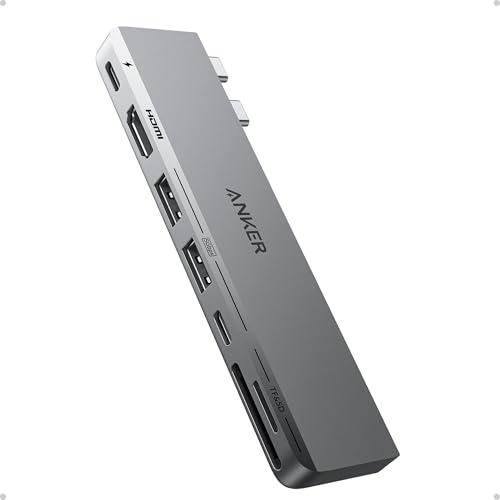
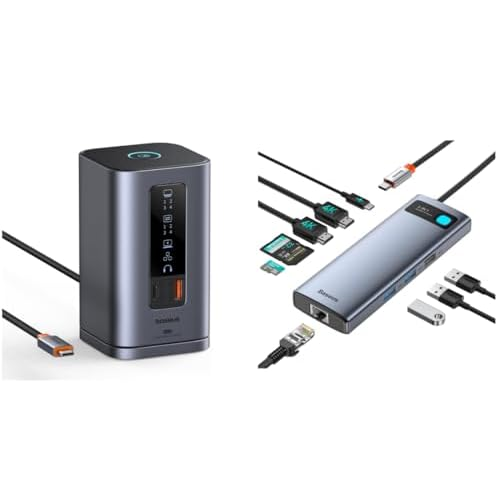
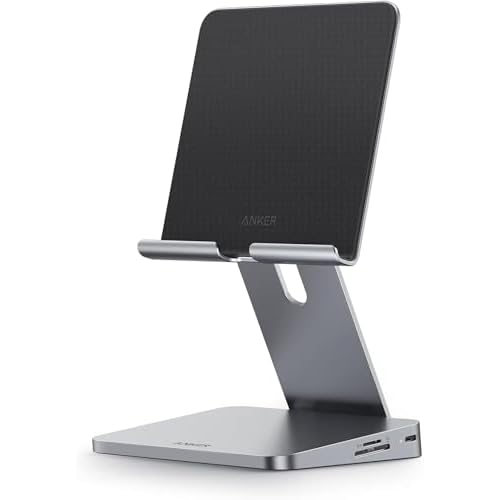
The Anker USB-C Hub for MacBook is the most practical choice for users who want to turn a MacBook into a more complete desktop setup without carrying a bulky docking station. Its 7-in-2 design combines HDMI, USB-A, USB-C, SD, and microSD connectivity, while the HDMI 2.0 output supports up to 4K at 60Hz. It also supports up to 100W pass-through charging and fast data transfer through its USB-C connection.
That makes it especially appealing for photographers, students, and office users who frequently move between a laptop and a larger monitor. It is less about extreme display performance and more about adding the ports a modern MacBook lacks.

For Handheld Gaming: Maxonar Prioritizes Speed
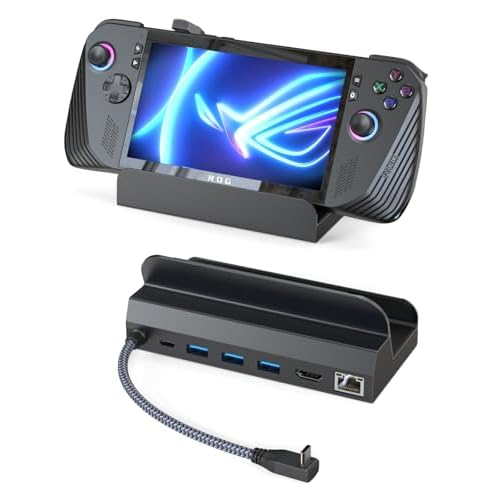
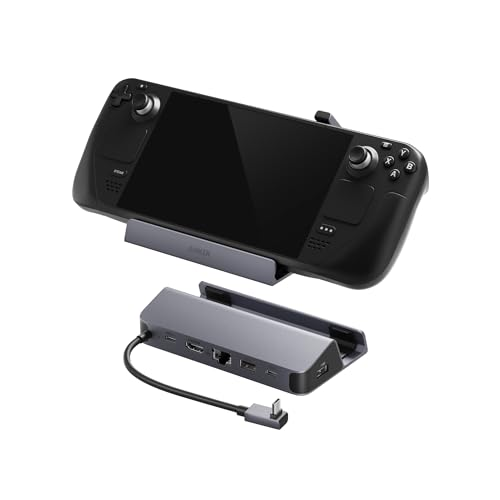
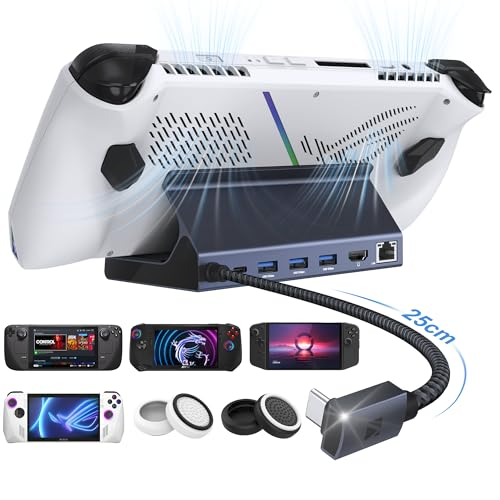
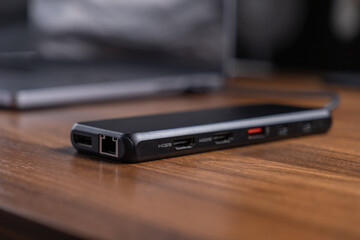
The Maxonar Docking Station 4K@120Hz takes a completely different approach. Designed around handheld gaming devices such as Steam Deck, ROG Ally, Legion Go, and MSI Claw, it puts HDMI 2.1 at the center of the experience. The dock supports 4K@120Hz output, three USB 3.0 ports, Gigabit Ethernet, and up to 100W USB-C power delivery.
For gamers connecting a handheld to a high-refresh-rate TV or monitor, that 120Hz capability is the standout feature. The trade-off is that its design is much more specialized, so it makes less sense as a general-purpose laptop dock.

When You Only Need One Reliable Video Connection
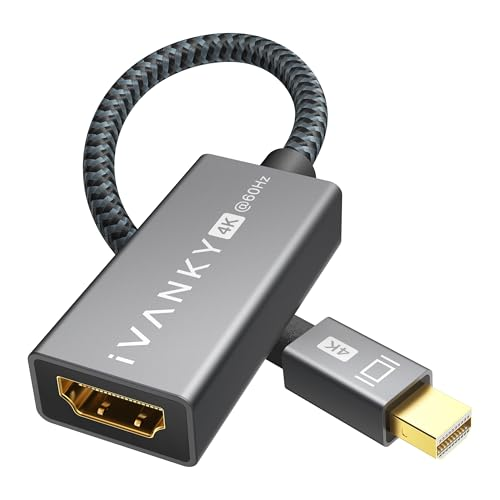
The IVANKY 4K Active Mini DisplayPort to HDMI Adapter is the minimalist option. Rather than expanding a computer into multiple ports, it solves one specific problem: connecting a Mini DisplayPort or Thunderbolt 1/2 device to an HDMI display. The active adapter supports 4K output at up to 60Hz and is compatible with devices such as older MacBook Air/Pro models and Surface systems.
That simplicity can actually be an advantage. If an older laptop already has all the ports needed and only requires HDMI connectivity, paying for a multi-port dock adds unnecessary complexity.

The Better Choice Depends on the Setup
These three products illustrate why “best HDMI dock” is rarely a universal answer. Anker is the strongest all-around option for a MacBook workstation, Maxonar is better suited to high-refresh-rate handheld gaming, while IVANKY makes the most sense when the only requirement is converting Mini DisplayPort to HDMI. The smartest purchase is therefore not the dock with the most ports—it is the one that matches the connections you actually use.